
In short
One credit = one finished 9:16 video render. Everything you do before the render, searching, analyzing, saving concepts, adapting structure, editing, is included in your subscription and never consumes credits.
What a credit covers
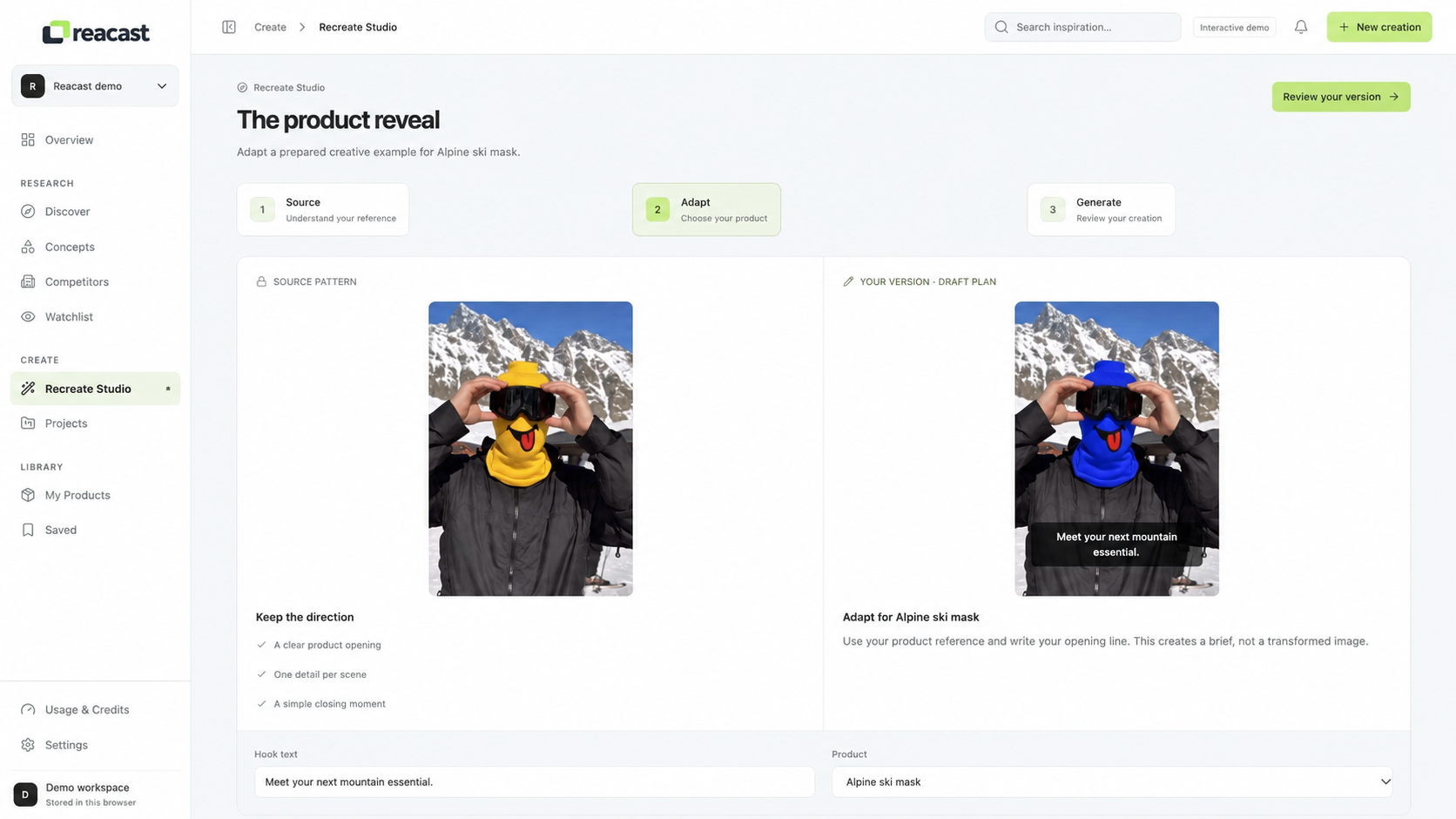
Credits exist for one thing only: the actual generation of your video. When you launch a render in Recreate Studio, Reacast assembles your scenes, applies the concept structure, generates the voiceover, places captions and exports a publish-ready file. That full pipeline costs one credit per finished video.
What never costs credits
The intelligence layer is your subscription. These actions are unlimited on every plan:
- Searching and filtering organic videos in Discover
- Saving videos and concepts to your library
- Analyzing any video: hook, structure, Reacast Score
- Tracking competitors and receiving alerts
- Adapting a concept: keep/change checklist, scripts, editing
How a render consumes credits
Credits are debited the moment your render starts, not when you press preview. Previews inside the editor are free.
| Action | Cost | Notes |
|---|---|---|
| 1 × 9:16 recreation render (up to 45s) | 1 credit | Voiceover, captions and music included |
| Variation of a completed render | 1 credit | New scene mix, same concept |
| Scene regenerate inside the editor | 0.25 credit | Per scene, max 4 per render |
| Failed render (our side) | 0 credit | Automatically refunded in < 5 min |
| Analysis, search, monitoring | 0 credit | Covered by your subscription |
Retries & failed renders
If a render fails on our side, infrastructure issue, timeout, unexpected error, the credit is automatically refunded within five minutes and you are notified. You only ever pay for videos you actually receive.
Tip: use the free preview to validate pacing and captions before rendering. Most teams cut wasted renders by 30% simply by previewing scene by scene.
Track your consumption
Your credit meter lives in Settings → Usage. You will always see remaining credits, consumption per feature and your reset date. We warn you at 80% and 100%, monitoring never stops when you hit zero.

Was this helpful?