
In short
Choose an analyzed concept video whose demonstration fits your product, then prepare an adaptation from that source. Check the active product, its photos and proposed text. Review references and cost before confirming generation, then inspect the result.
Choose the video
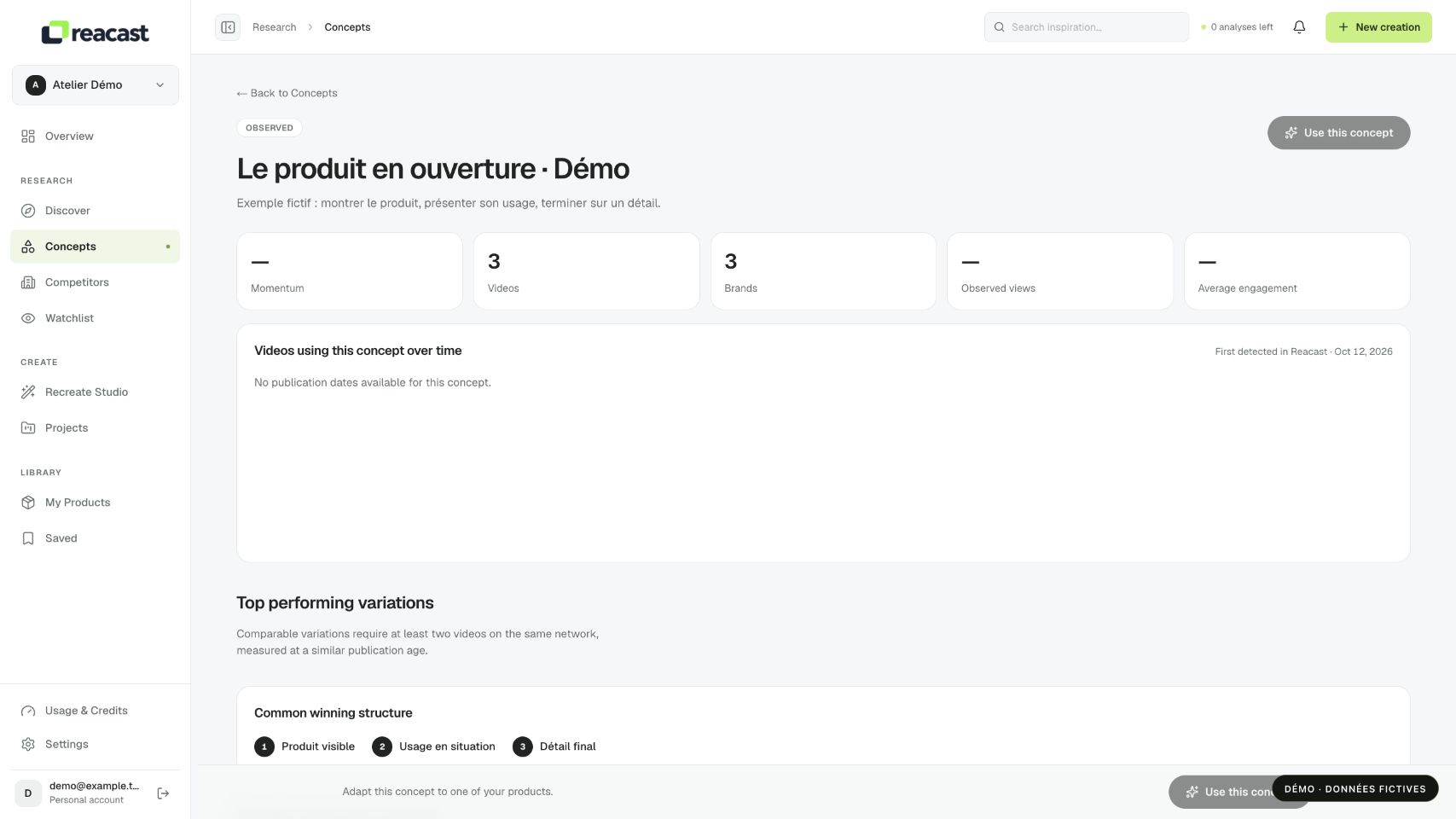
- Open Concepts and a detail page. Compare the associated videos and choose one whose structure fits your product.
- Review the analysis and its coverage. If the complete video file is inaccessible or analysis is missing, complete that preparation before recreation.
Choose a reference for a specific reason: a clear opening, adaptable product action or coherent progression. Also check that duration and scenes fit the intended use. A concept groups related ideas; only the selected video provides the source actually used for your adaptation.
Prepare the adaptation
Use the available recreation action to open the studio with this source. Check the selected product, its images and the hook. Concept context helps you choose; it does not automatically start generation.
Before continuing, compare the source product with your record’s photos: shape, proportions and handling should permit a coherent demonstration. Review confirmed characteristics rather than repeating another creator’s claim. A source benefit does not automatically become a benefit of your product.
Move from idea to adaptation
Fictional example: a concept shows an accessory first in an inconvenient situation, then in a resolved one. Identify the action that makes the change visible. If your product genuinely addresses that need, select a cluster video showing that transition with a usable scene and an identifiable product.
In Adapt, write a hook faithful to your offer and check the active product. After generation, verify that the scene still communicates the intended idea. Keeping a reference’s structure does not remove the need to review text and check the new product’s fidelity throughout.
Review before starting
Complete preparation and confirm the displayed cost. If a reference, service or budget is unavailable, follow the message without repeatedly starting jobs. After generation, check the product, text and editing before export.