
In short
Select a network, then add a country to narrow results already collected in Discover. Country describes the account when known, not its audience. Compare the list before and after filtering, and check Unknown when this information is missing.
Choose the scope
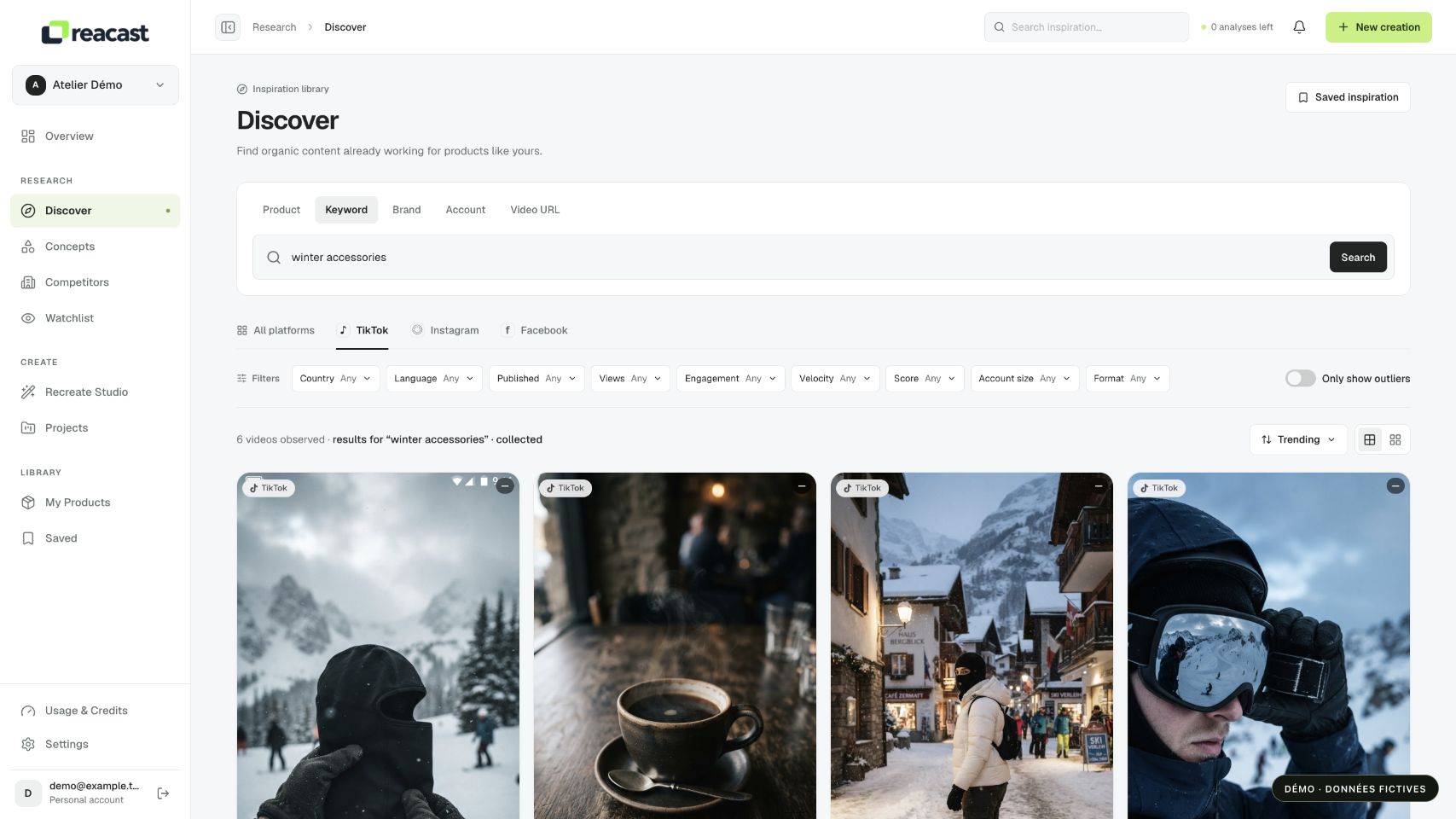
- Open Discover and run a product or keyword search. Select TikTok, Instagram or Facebook from the available networks.
- Open filters and choose Country. Apply your selection, then compare the result count before adding another condition.
Changing platform filters already saved results and returns to the first page. The choice also remains selected for the next search. Check the active network before running another query: a different list may simply reflect this change in scope.
Interpret country and language
Country refers to the account’s declared country when known. It does not locate viewers, sales or necessarily filming.
The language filter uses the caption. It does not confirm the language spoken in the video.
When country or language is missing, the value remains Unknown. You can select it to inspect posts without that information. They are not automatically assigned to France because your product or workspace is French.
Example: explore a French-language use
For a fictional ski balaclava, start with a product search on one network. Add Language = FR to read French captions, then check whether the demonstrations concern skiing. You may already find useful references without knowing where their viewers live.
Add Country = FR only if you want to study accounts declared in France. If the list shrinks too much, set Country back to Any while keeping language. This progression shows which condition removes results rather than attributing the whole difference to search quality.
Compare results
With All, Views sorting ranks posts within each network and alternates networks. Select one network to examine a single comparable ranking.
If no results remain, remove country first. An unknown value does not prove the account is outside your market.