
In short
In Discover, start with your product record or keywords describing its category and use. Refine the terms gradually, then watch the suggested demonstrations. A word in a caption can help identify a reference without confirming that the video matches the product.
Define the category
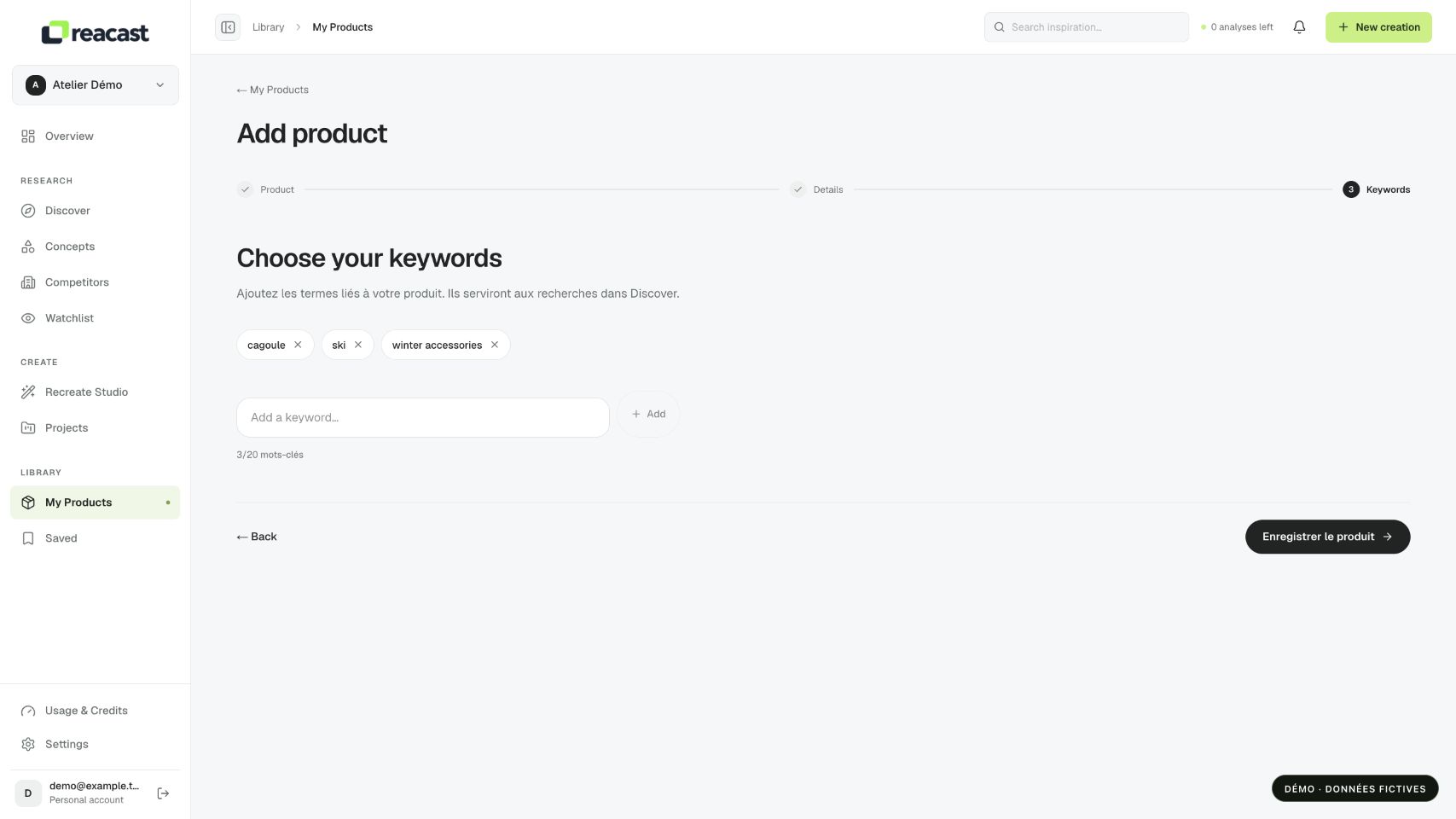
In My Products, review the product keywords. Prefer product type, use and context to generic terms such as “quality.” For example, “ski balaclava” identifies a need more clearly than “clothing.”
In Product, Reacast uses the selected record’s category and keywords. Check that you selected the right product, especially when variants have similar names. An inaccurate category can send search toward the wrong use even when the photo is correct.
Run the search
- Open Discover and select Product to use your record, or Keyword to test a category phrase.
- Check the displayed query, run the search, then examine the uses shown. Try a synonym or a more specific use if results drift away from your offer.
Test one phrase before adding many filters. Inspect some cards and open relevant videos. Assess the product actually shown, context and demonstration type; a word appearing in a caption does not establish that the video covers your category.
Find the right level of detail
Fictional example: “winter accessories” covers very different products. “Ski balaclava” specifies the product and activity; “balaclava under helmet” adds a use situation. Try these phrases separately to see which yields coherent references rather than immediately combining them into a long query.
For an overly narrow category, return to a related use: a fit or protection demonstration may inspire the structure without showing your exact model. Then check that adaptation remains compatible with your own product’s confirmed characteristics.
Understand the scope
Category is expressed through your record and keywords. This is not an exhaustive ranking of every video in a market. Save relevant references to compare their structure and characteristics later.