
In short
A concept groups analyzed videos that share a creative idea: an angle, hook, demonstration or structure. To understand it, start with its definition and sources before interpreting its numbers.
Open a group
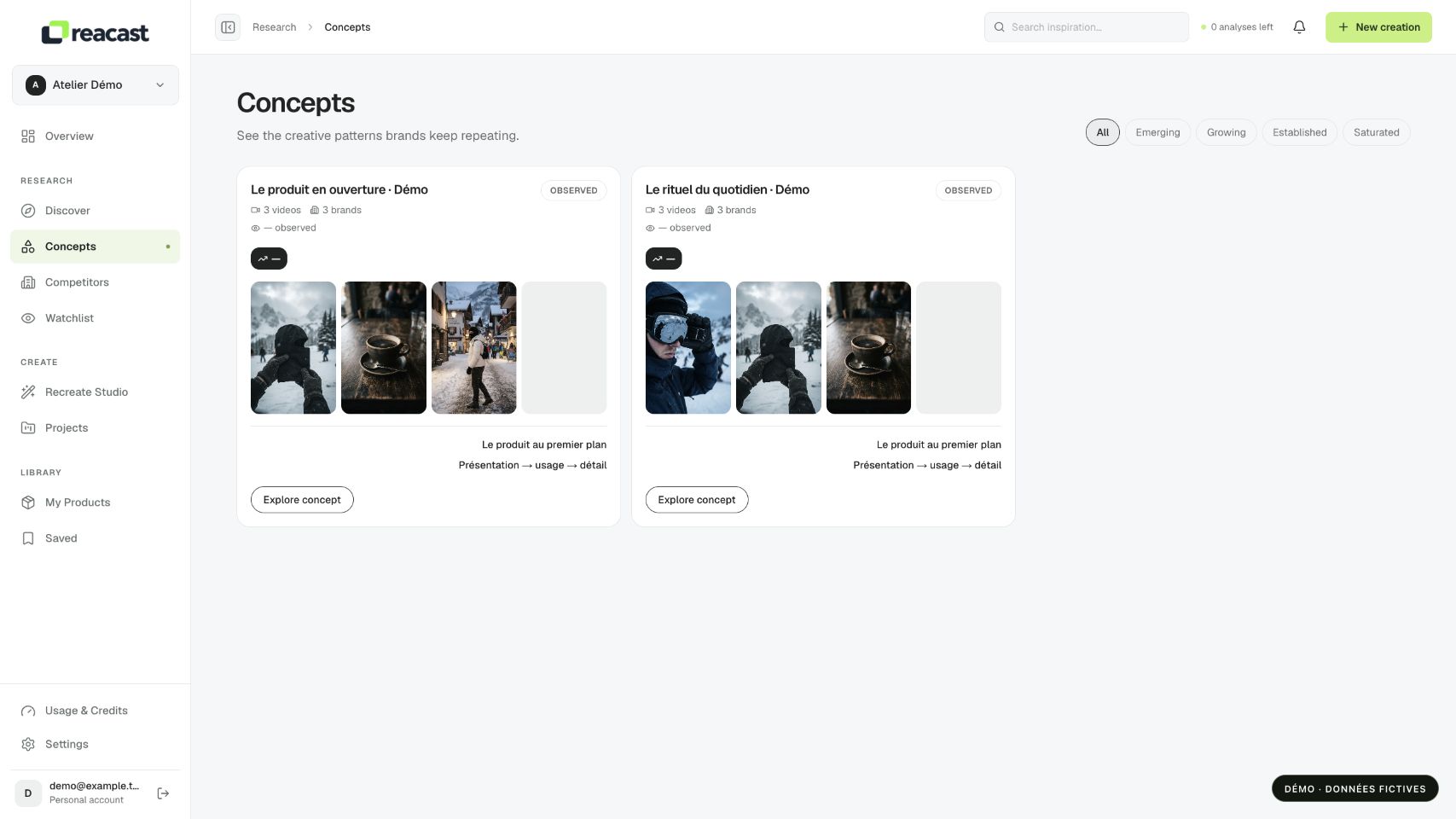
- Open Concepts under Research. Start with All to see available concepts without applying a particular status.
- Read the card’s title, summary and traits. Open it to see the concept’s details.
- Review member videos and associated accounts. Compare several examples to check what actually repeats.
If the library is empty, no available concept has been built in this scope yet. A search alone does not guarantee a group: grouping relies on available analyses.
Interpret numbers and statuses
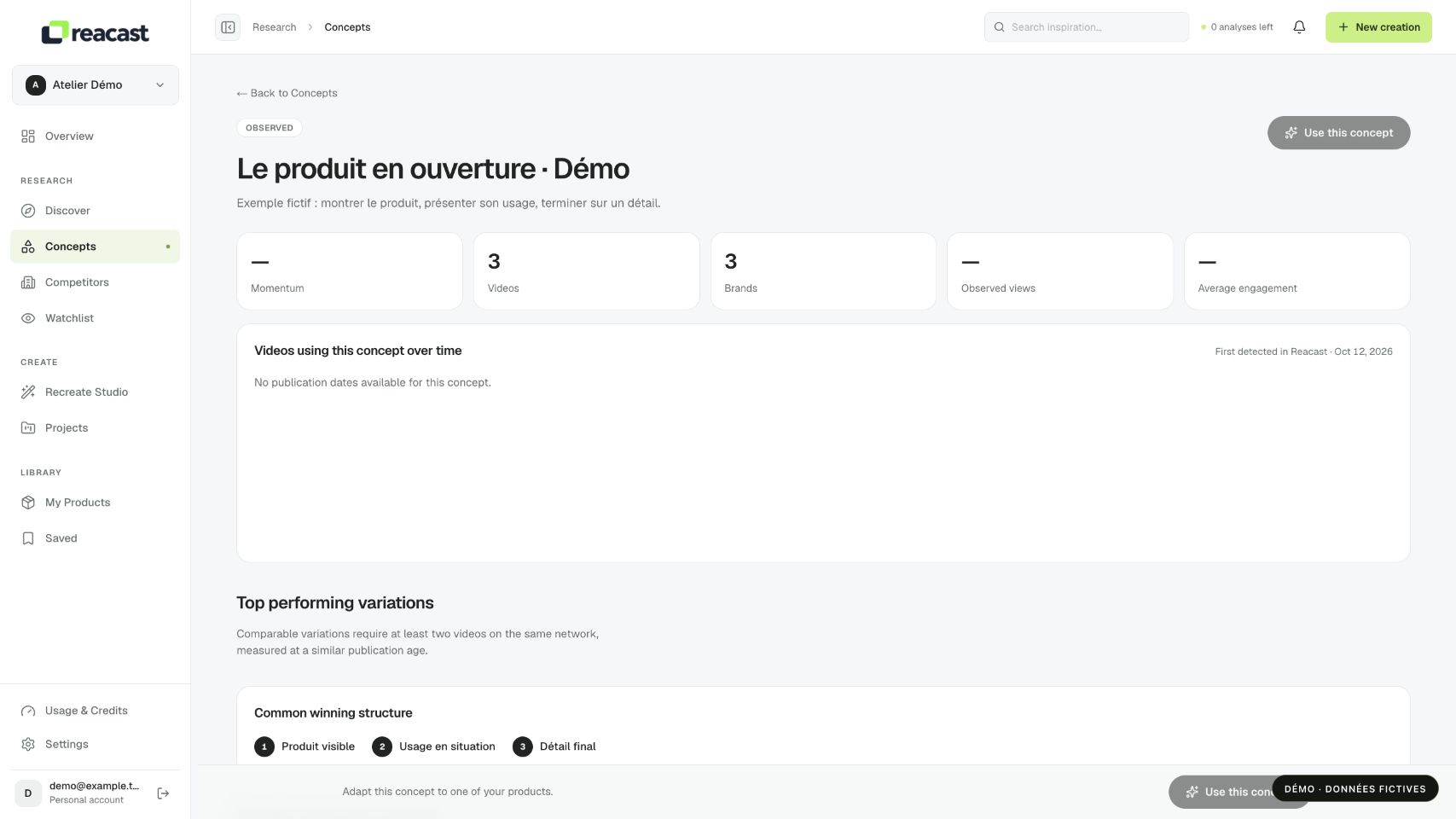
Video and account counts describe the observed scope. Views are post counters, not unique people or sales. “First detected in Reacast” means first detection in Reacast, not when the concept was invented on the Internet.
Momentum and statuses such as Emerging or Growing depend on available history and the displayed method. A dash or insufficient history does not mean zero growth. These signals describe observations without guaranteeing your product’s future performance.
Choose the next action
Save a representative video if you want to find the idea in Saved. Read its analysis to distinguish visual observations from hypotheses about what may attract attention.
When Use this concept is available, it opens the preparation context in Recreate Studio. This navigation does not mean a video has been generated. Then check your product, brief and available steps before confirming any cost.