
In short
Review prepared details before confirming or open the existing record in My Products. Check the correct product, facts and photos, then edit the relevant fields and verify saving. Missing information is not necessarily incorrect, and previously prepared projects retain their saved context.
Review information
After import, check the name, description, benefits, audience and images. Extraction prepares a proposal; it does not certify the product’s commercial facts.
Separate missing facts from incorrect ones. A blank price may indicate unavailable or variable information; an incorrect photo may come from another product on the page. Do not fill these fields by guessing. Use product information you can verify or leave the optional field blank.
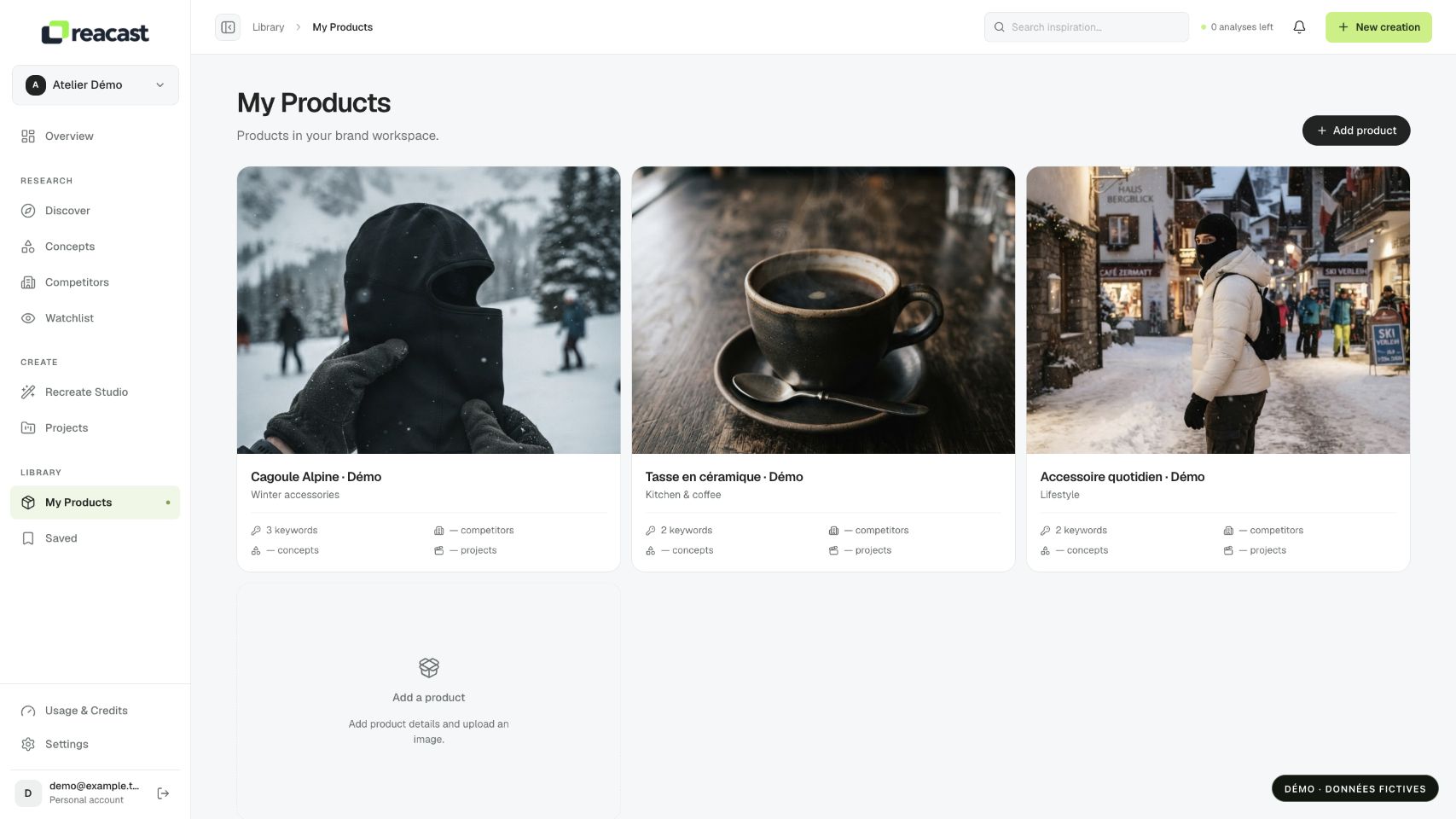
Make corrections
- Edit incorrect fields and remove images that do not represent the right product. Fill missing information with verifiable facts.
- If the record already exists, open it in My Products, edit and save. Also review its keywords to avoid retaining an incorrect search category.
After saving, reload the record and check the visible result. In particular, confirm the saved category, name, images and keywords. If a message distinguishes a saved record from failed photos, inspect the existing record before starting another full addition and creating a duplicate.
Example: the wrong variant was identified
Fictional example: a page presents a mug and accessories, but extraction selects a lid’s name. Correct the name and category, remove unrelated accessory images, then review description and benefits. Also check that keywords identify the mug and its use, not just the lid.
For a Shopify product, a local creative correction remains distinct from store data. Edit Shopify when the commercial source itself is wrong, then check synchronization; edit the Reacast record when correcting information prepared for your workspace work.
Check existing creations
Editing a record does not rewrite projects prepared with older context. Check the displayed product during your next adaptation. If the project reports Product changed, complete the requested preparation before another render or generation.